Why Manual MikroTik Router Backups Fail—and What to Do Instead
Reliable, automated configuration backups and router management for networks that cannot afford extended downtime.
When a router misconfiguration, hardware failure, security incident, or failed update takes down a network, the difference between a five-minute recovery and a five-hour outage often comes down to one thing: whether a current, reliable backup is ready to restore.
Link Technologies, Inc. works with ISPs, municipalities, enterprises, schools, hospitality organizations, and network operators that depend on MikroTik infrastructure every day. Too often, backups are created manually, stored inconsistently, or taken only after a major change has already been made. When an outage occurs, the backup is outdated, incomplete, corrupted, or impossible to locate.
Why Manual Backup Procedures Fail
Manual backups depend on someone remembering every step: create the backup before a change, verify that it completed, name it properly, store it in the correct location, and document what changed.
That process breaks down easily—especially during emergency maintenance, midnight troubleshooting, weekend work, or changes made by multiple administrators.
- Backups taken weeks or months apart
- Recent firewall, routing, VLAN, or customer changes missing from the backup
- Files stored only on a router or single workstation
- No consistent naming convention or version history
- No tested restore procedure
- Multiple administrators making changes with no change documentation
- Backup files that exist but cannot be restored successfully
Start here: Verify that every production router has a backup less than 24 hours old. Then restore one to a test device. Many organizations discover important recovery gaps during this simple exercise.
The Real Cost of Configuration Loss
The cost of downtime extends well beyond a device being offline. For an ISP, an outage can mean lost revenue, SLA penalties, support calls, customer dissatisfaction, and reputational damage. For a municipality, it can affect public Wi-Fi, utility operations, traffic systems, remote facilities, or public-safety communications.
Rebuilding a configuration from memory is not a quick task. A recovery may require restoring:
- BGP peers, route filters, routing policies, and prefix advertisements
- OSPF areas, interface costs, authentication, and redistribution
- MPLS, VPLS, EVPN, VXLAN, and tunnel configurations
- Firewall rules, address lists, NAT policies, and VPN access
- User accounts, scripts, certificates, queues, monitoring, and automation
Even a partial restore can leave a router online but incomplete—missing a firewall rule, security update, recent routing policy, or customer-facing configuration.
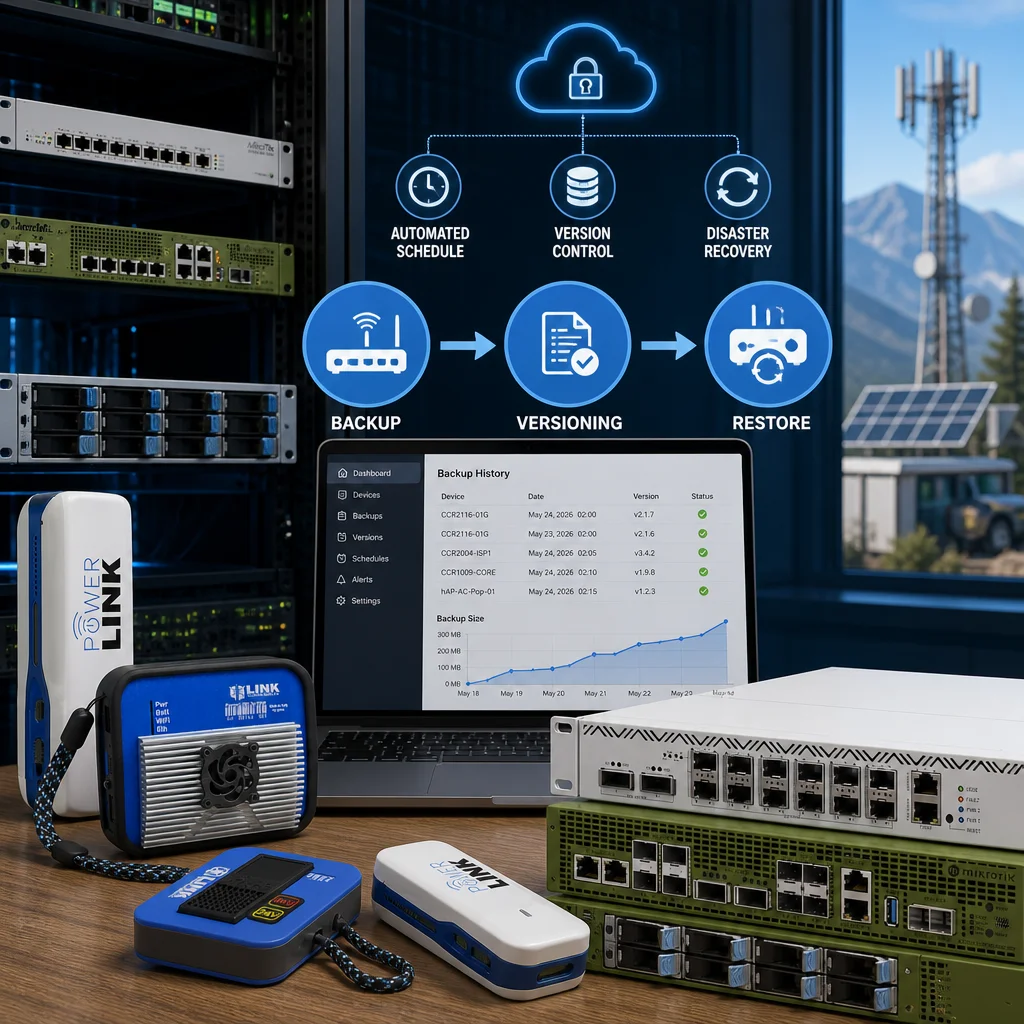
Automated, Versioned MikroTik Backups
Link Technologies, Inc. designs backup and configuration-management workflows that treat network configurations with the same care as software source code.
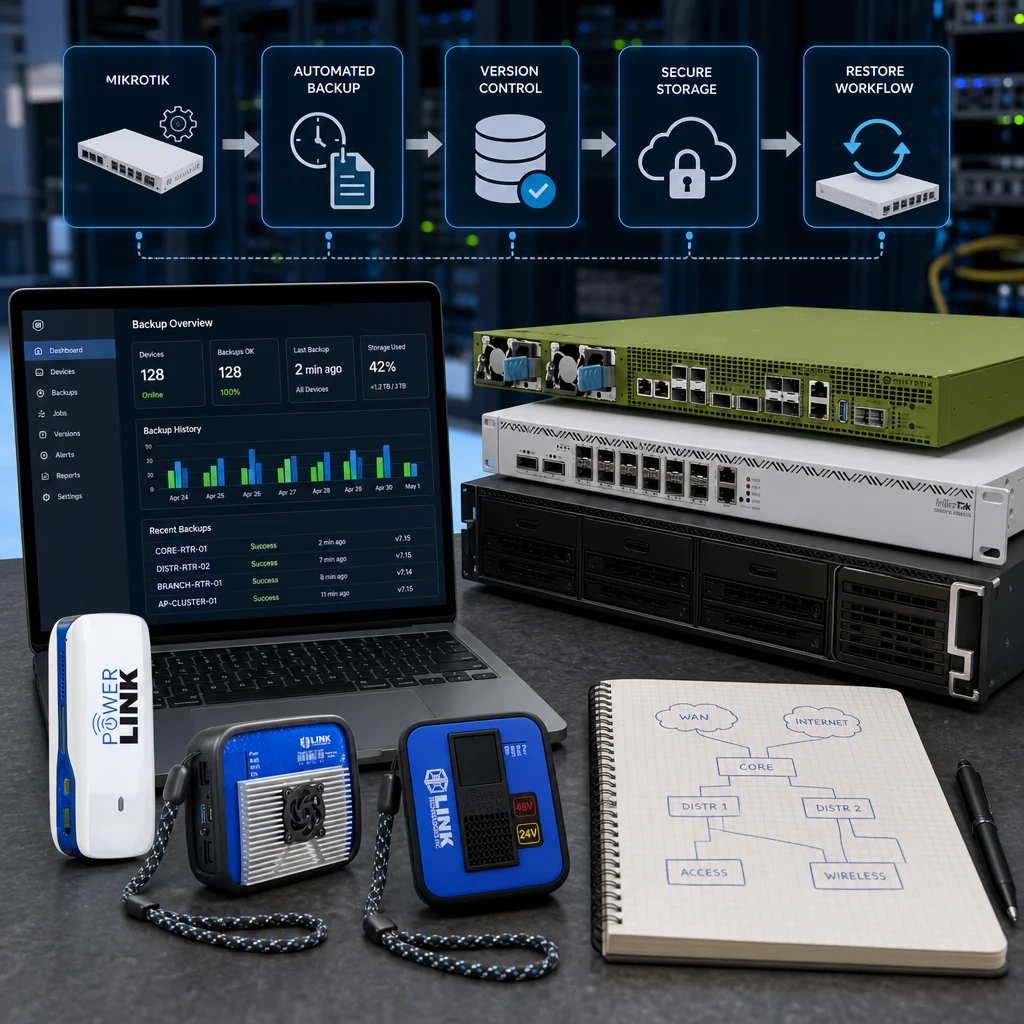
Automatic configuration capture: Backups run on a schedule appropriate for the device and the rate of change in the network. Critical core routers can be captured more frequently, ensuring a known recovery point exists before an incident occurs.
Organized version history: Instead of a folder full of files named router-backup-final-v2-actual.backup, configurations are organized by device, date, and version. This makes it possible to identify the correct configuration state quickly.
Distributed and protected storage: A backup stored only on the router, one server, or one office is not enough. Reliable backup systems keep protected copies in separate locations and control who can access or restore them.
Backup and Management Options From Link Technologies, Inc.
Admiral: Managed Router Backup and Management
Admiral is Link Technologies, Inc.’s platform for MikroTik router backup and management. Starting at $2 USD per device, Admiral is a practical solution for organizations that want consistent backups and centralized router management.
It is well suited to service providers, municipalities, and multi-site organizations that want to reduce manual administration while improving recovery readiness.
CloudV3: Scalable Automated Router Backups
CloudV3 provides automated configuration backups for organizations that need dependable protection at scale. CloudV3 starts at $60 USD per year for 10 devices, with per-device pricing decreasing quickly as device count increases.
Whether your environment has ten devices or hundreds, CloudV3 removes the uncertainty of manual exports and scattered backup files.
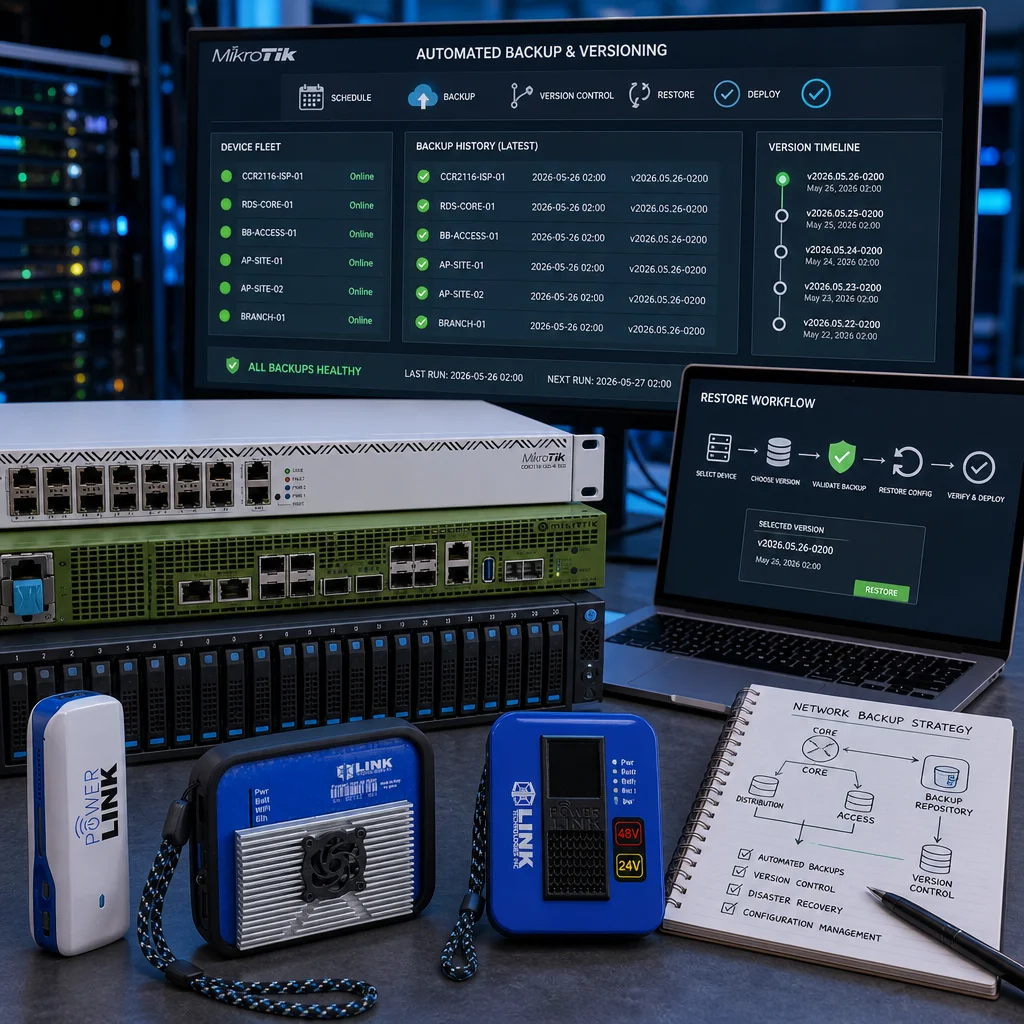
Fast, Controlled Restore Workflows
Quick restore: For a failed router or major misconfiguration, a complete known-good configuration can be restored to return service quickly.
Selective restore: When only a BGP policy, firewall rule, queue, script, or tunnel is affected, the failed component can often be restored without replacing valid recent changes elsewhere.
Staged restore: For core routers and high-risk maintenance, the configuration can be reviewed or tested before production restoration.
After a restore, Link Technologies, Inc. verifies interfaces, routing-protocol convergence, firewall and NAT rules, VPNs and tunnels, scripts, and monitoring functions—so issues are found immediately rather than after users begin reporting problems.
Less Manual Work, Fewer Human Errors
Manual backup tasks consume time that network engineers should be spending on reliability, security, performance, and growth. Automation removes repetitive work such as creating backup files, checking completion status, organizing files, and searching for the correct historical configuration.
More importantly, an automated system does not forget to create a recovery point before an important change is made.
The Bottom Line: A backup is not a recovery strategy unless it is current, protected, organized, and tested. Automated backups and centralized router management help your team recover faster, reduce human error, and keep critical network knowledge from living only in someone’s memory.
How Link Technologies, Inc. Can Help
Link Technologies, Inc. provides network engineering, consulting, training, and support services for ISPs, WISPs, enterprise networks, municipalities, schools, hospitality organizations, and organizations using MikroTik RouterOS.
We can help you implement automated router backups, configuration management, monitoring, secure remote access, routing and switching, wireless infrastructure, and practical restore procedures that match your network and operational needs.
Engineering Services Contact Sales
About Link Technologies, Inc.
Link Technologies, Inc. provides network engineering, consulting, training, and support services for ISPs, WISPs, enterprise networks, and organizations using MikroTik RouterOS. Learn more at www.linktechs.net, or contact us at sales@linktechs.net or (314) 735-0270.
About the Author
Dennis Burgess is the Chief Technical Officer of Link Technologies, Inc., a MikroTik Certified Trainer, and the author of Learn RouterOS – Second Edition. He provides network engineering, MikroTik consulting, routing, wireless, security, and infrastructure design services for organizations across North America.

Leave your comment